
Quick Tuning Finder
Our support team will find the best tuning solutions for your truck via WhatsApp.
Please scan this QR code using your smartphone camera to open Akzo Diesel Ltd WhatsApp support chat.
If you're unable to scan the code or if you want to open WhatsApp on your laptop,



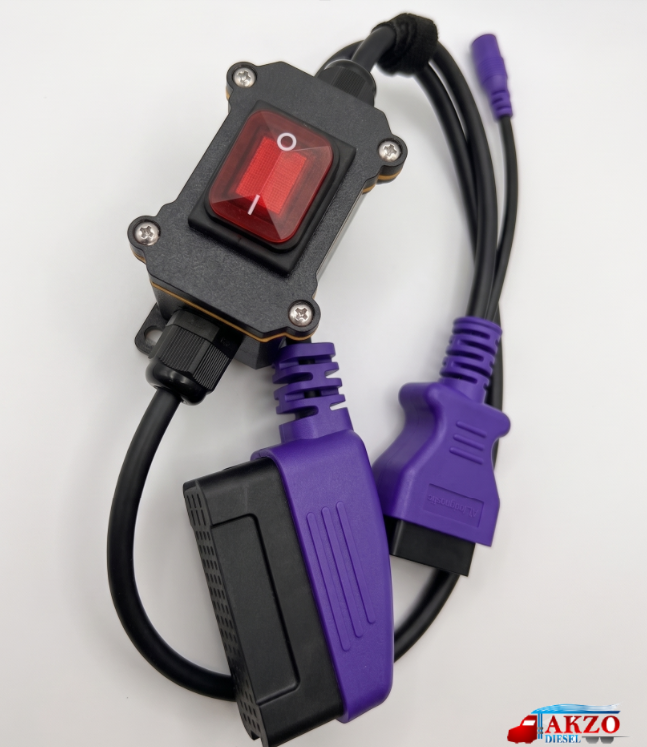




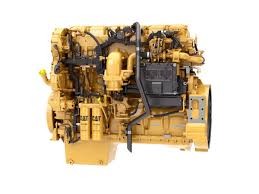




Maxxforce (2007-2010) - Remote programming the ECM (DPF/EGR tune)
For Maxxforce engines (2007-2010), please email us at info@akzodiesel.com with your truck's full information (i.e. year, make, engine model, engine serial number and full vin) to confirm that a programming solution is available for your truck.
IMPORTANT: Email us first before adding this item to your cart.
Remote Programming
Details/Procedure:
TeamViewer: If you do not have TeamViewer installed on your
laptop, please visit www.teamviewer.com to download it for free. Once downloaded,
open the application and email us your unique TeamViewer ID and Password;
it will be a mix of numbers and/or letters.
.
- Ensure that you have the necessary requirements: laptop, Nexiq USB Link-2 adapter,
TeamViewer and internet connection. (*See above for more details)
- Connect your laptop to a
steady internet connection and connect your laptop to the truck/machine
using a Nexiq USB Link-2 adapter.
- Email us your TeamViewer
ID and Password. Once we receive your TeamViewer information, you
will be placed in a queue. We will then connect remotely to begin
the software installation and/or programming our solution.
- After Remote Programming
is complete, we will provide you with the after-programming steps via
notepad and/or email. Allow us some time to write back to you.
Thank you for shopping with us! .
Remote Programming – 3 Step Process
1. Schedule & Prepare
Purchase the remote programming service, then contact our technical support team to schedule your session. Make sure the vehicle is parked with access to a Windows laptop and a compatible diagnostic adapter (NEXIQ, VOCOM, or Inline 6/7).
2. Install TeamViewer
Download and install the free version of TeamViewer on your laptop from: www.TeamViewer.com
3. Connect & Send Access
Hook up to the truck using your diagnostic interface, then send us your TeamViewer ID and password so our technician can connect and complete the remote programming.
For Maxxforce engines (2007-2010), please email us at info@akzodiesel.com with your truck's full information (i.e. year, make, engine model, engine serial number and full vin) to confirm that a programming solution is available for your truck.
IMPORTANT: Email us first before adding this item to your cart.
Remote Programming
Details/Procedure:
TeamViewer: If you do not have TeamViewer installed on your
laptop, please visit www.teamviewer.com to download it for free. Once downloaded,
open the application and email us your unique TeamViewer ID and Password;
it will be a mix of numbers and/or letters.
.
- Ensure that you have the necessary requirements: laptop, Nexiq USB Link-2 adapter,
TeamViewer and internet connection. (*See above for more details)
- Connect your laptop to a
steady internet connection and connect your laptop to the truck/machine
using a Nexiq USB Link-2 adapter.
- Email us your TeamViewer
ID and Password. Once we receive your TeamViewer information, you
will be placed in a queue. We will then connect remotely to begin
the software installation and/or programming our solution.
- After Remote Programming
is complete, we will provide you with the after-programming steps via
notepad and/or email. Allow us some time to write back to you.
Thank you for shopping with us! .